Gemini CLI and Claude Code are two prominent AI-powered command-line interface (CLI) coding assistants that help developers write, debug, and manage code via natural language commands. While they share similar operational capabilities, their underlying AI models, user experience, reliability, and pricing differ significantly. This article provides a detailed comparison to help developers select the best tool for their coding workflows.
Overview
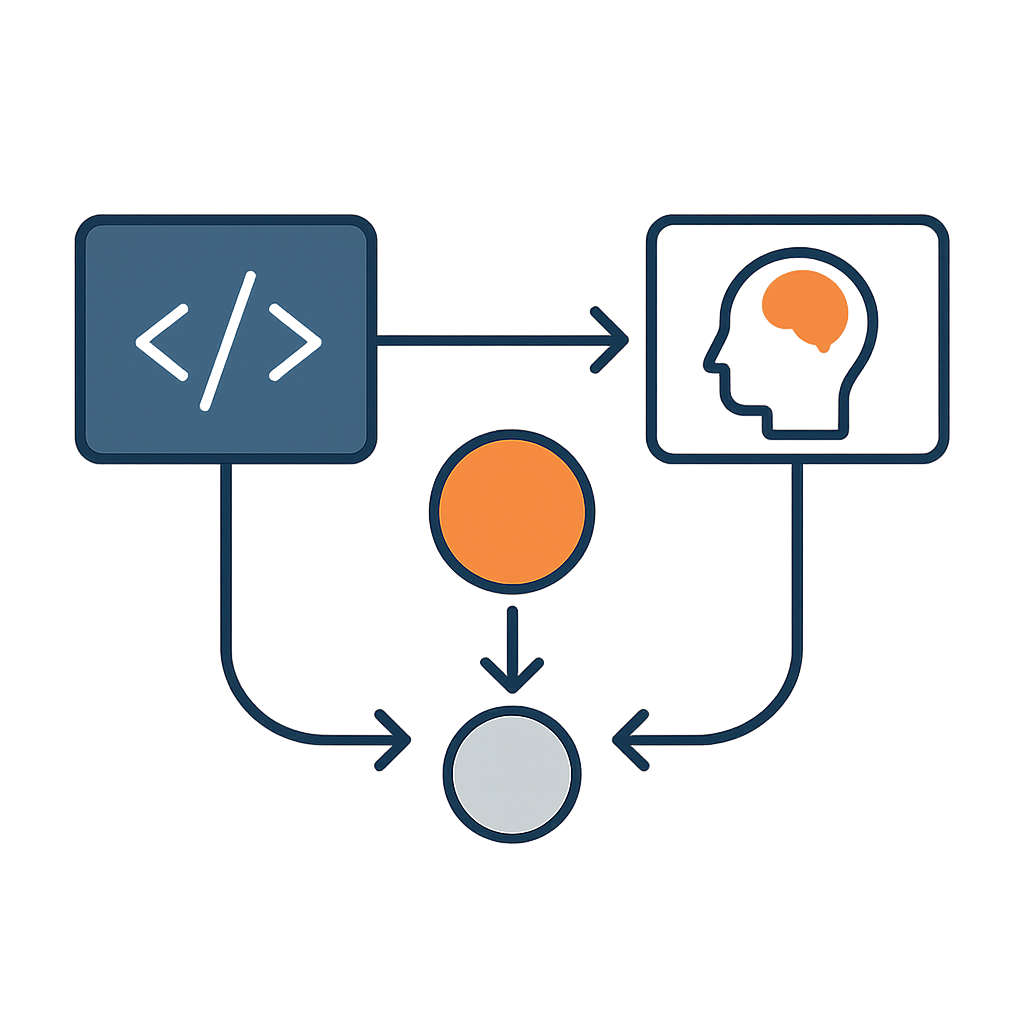
Both Gemini CLI and Claude Code serve as AI coding agents accessible through terminal commands, enabling developers to interact with their codebase efficiently. Gemini CLI leverages Google's Gemini models, offering a free tier with access to Gemini 3 Pro and Gemini 2.5 Pro models, while Claude Code utilizes Anthropic's Claude Opus and Sonnet models, available via subscription plans. Their major differentiator lies in the AI models powering them, which influences coding accuracy, context handling, and reliability.
While Gemini CLI impresses with its expansive context window and free access, Claude Code outperforms in coding precision, reliability, and user experience, making it the preferred choice for developers seeking a robust AI coding assistant.
Feature comparison
- Both tools support extensive context windows of up to one million tokens, enabling deep understanding of large codebases.
- Gemini CLI presents actions in individual boxes and responds with longer paragraphs and numbered lists, while Claude Code uses a tree format and concise bullet points for better readability.
- Claude Code offers superior error handling by effectively utilizing error logs to debug, whereas Gemini CLI requires precise instructions and sometimes offloads tasks back to the user.
- Both agents can navigate files, edit code, and execute terminal commands with user approval.
- Claude Code provides customizable context windows for its models, allowing tailored token budgets to optimize performance.
- Gemini CLI is free with usage limits and input/output data collection, while Claude Code requires a paid subscription with token refresh cycles.
Decision matrix
The decision matrix for choosing between Gemini CLI and Claude Code hinges on several key factors where one tool distinctly outperforms the other, making it the preferred choice depending on your priorities:
1. **Context Handling and Large Codebases:** Gemini CLI dominates with its massive one million token context window, allowing it to effectively process and refactor large codebases in a single session. This makes it the only viable choice for projects requiring deep, holistic understanding of extensive code.
2. **Reliability and Autonomous Debugging:** Claude Code wins when it comes to autonomous error diagnosis and self-correction. Its ability to interpret error logs and redirect its approach makes it the superior option for developers who need an AI assistant that can handle complex debugging with minimal manual intervention.
3. **User Experience and Output Readability:** Claude Code’s concise, bullet-point style responses provide clearer, more readable outputs in terminal environments, especially on smaller screens, making it the preferred tool for developers valuing streamlined communication.
4. **Cost Efficiency for Heavy Use:** Gemini CLI offers a free tier with substantial daily requests, making it the only choice for budget-conscious developers who require frequent, high-volume AI assistance without subscription fees.
5. **Suitability for Junior Developers and Less Precise Prompting:** Claude Code is better suited for users who may not provide highly detailed instructions, as it can better handle vague or incomplete prompts and still produce quality results, whereas Gemini CLI requires more precise input to be effective.
In summary, Gemini CLI uniquely excels in handling large-scale code context and cost-effective heavy usage, while Claude Code dominates in reliability, autonomous problem-solving, and user-friendly output. These asymmetries mean your choice should align with whether you prioritize large context capacity and cost savings (Gemini CLI) or robust debugging and clearer communication (Claude Code).
Risk profile
- Gemini CLI risks include incomplete task execution and occasional offloading of tasks back to the user, which can disrupt workflow.
- Claude Code may suggest unsafe terminal commands that require manual correction to avoid system issues.
- Both tools depend heavily on the quality of prompts; poor instructions can lead to suboptimal outputs.
- Gemini CLI’s reliance on precise input makes it less forgiving for less experienced developers.
- Claude Code’s token limits and refresh cycles necessitate efficient prompting to avoid interruptions.
- There is inherent risk in allowing AI agents to execute terminal commands; users must review actions carefully.
- Both tools may become less effective when nearing context window limits, requiring session resets.
- Data privacy considerations arise with Gemini CLI’s free tier collecting input and output data.
- Dependence on cloud-based AI models means potential downtime or latency impacting productivity.
- Users should maintain backups and manual oversight when integrating AI coding assistants.
Final recommendation
For developers seeking a reliable, efficient, and user-friendly AI coding assistant, Claude Code is the recommended choice due to its superior coding accuracy, robust error handling, and polished user experience. Gemini CLI remains a compelling option for those prioritizing free access and extensive context handling, but it requires more technical proficiency and manual oversight. Choosing Claude Code will generally lead to smoother workflows and higher quality code, making it the default pick for professional and serious development projects.
Conclusion
In conclusion, Gemini CLI and Claude Code both offer valuable AI-assisted coding capabilities through the command line, but their differences are significant. Claude Code’s strengths in reliability, error management, and UX make it the superior tool for most developers, especially those working on complex or large-scale projects. Gemini CLI’s generous free tier and large context window provide benefits but come with trade-offs in autonomy and ease of use. Developers should weigh these factors against their project requirements and expertise to select the AI coding assistant that best fits their needs.